- Travel insuranceProduct insurance
- Obligatory published information

You can find it in app stores as Raiffeisen banking.

We have improved and simplified the procedure for activating mobile banking. You no longer have to choose a specific method. By asking you simple questions, the application will guide you directly to the specific procedure to activate the application.
If you are changing phones, be sure to activate the app on the new phone first and only then delete it from the old one.

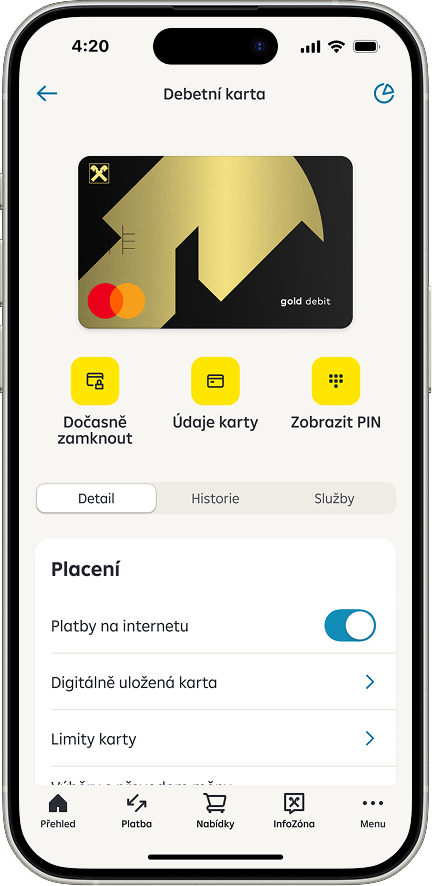
We are introducing a new solution for situations where you can't find your card, yet you don't want to permanently block it right away. The card detail now includes the Temporary Lock button. Once the card is locked, all limits applicable to the card are reduced to zero and no payment can be made, be it by mobile wallet, in a store, online, at an ATM or by subscription. You can unlock the card again directly in the app at any time.

InfoZone is a new section where you can find articles with news, tips, tutorials and podcasts. It is located on the bottom navigation bar that replaced RB Club. RB Club is now available on the main page. When you launch the application for the first time, we will show you a presentation of the InfoZone with an invitation to set up your favourite topics.
The section is divided into two main sections – Useful Tips and News. You can set or change your favourite topics at any time in the News section under Set Topics. Articles can be saved for later by clicking the bookmark icon. The articles are then available in the News section under Saved.

We have improved and simplified the procedure for activating mobile banking. You no longer have to choose a specific method. By asking you simple questions, the application will guide you directly to the specific procedure to activate the application.
If you are changing phones, be sure to activate the app on the new phone first and only then delete it from the old one.

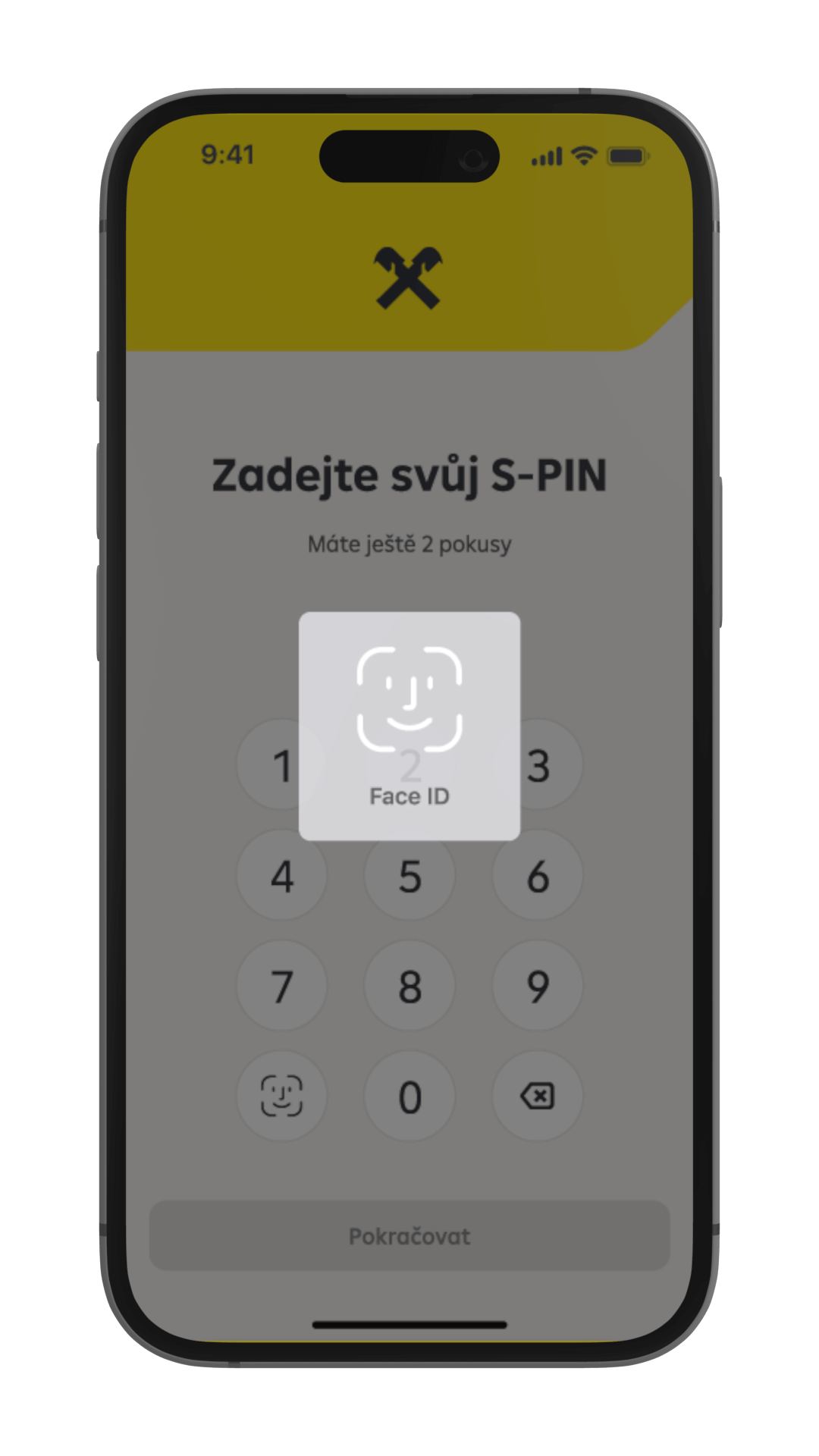
Sign in quickly and easily using your fingerprint or face ID. Use the same procedure to confirm other operations, including placement of payments of up to 5,000 CZK or card settings.
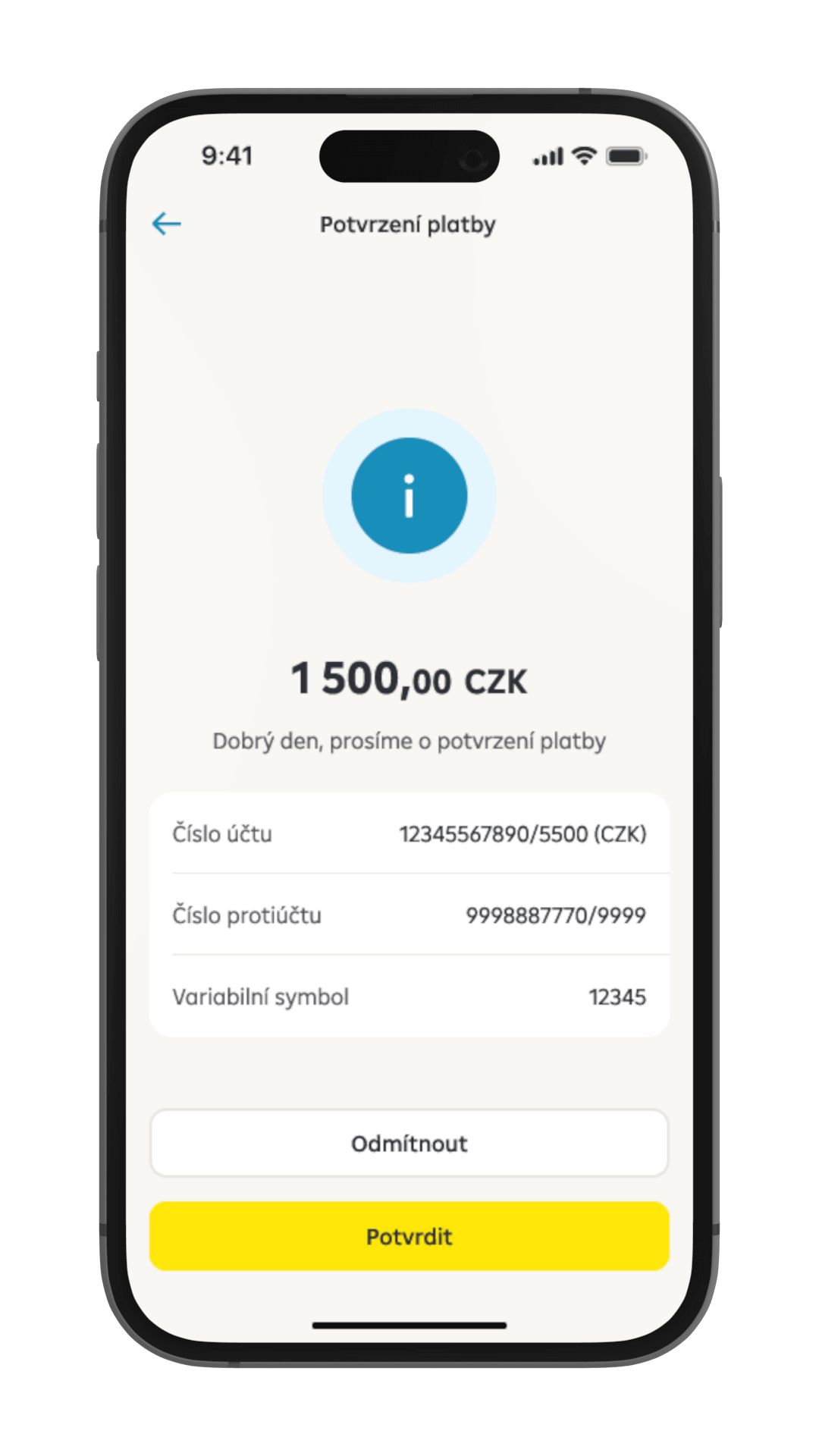
RB Key (RB klíč) is integrated in mobile banking. Use it to sign in or for authorizations in internet banking, authentication on the client line, or to confirm an online card payment.

A feature in the settings lets you hide balances on the main page. You can check how much you have on your account quickly and easily on the main page using the eye icon.

Sign in quickly and easily using your fingerprint or face ID. Use the same procedure to confirm other operations, including placement of payments of up to 5,000 CZK or card settings.

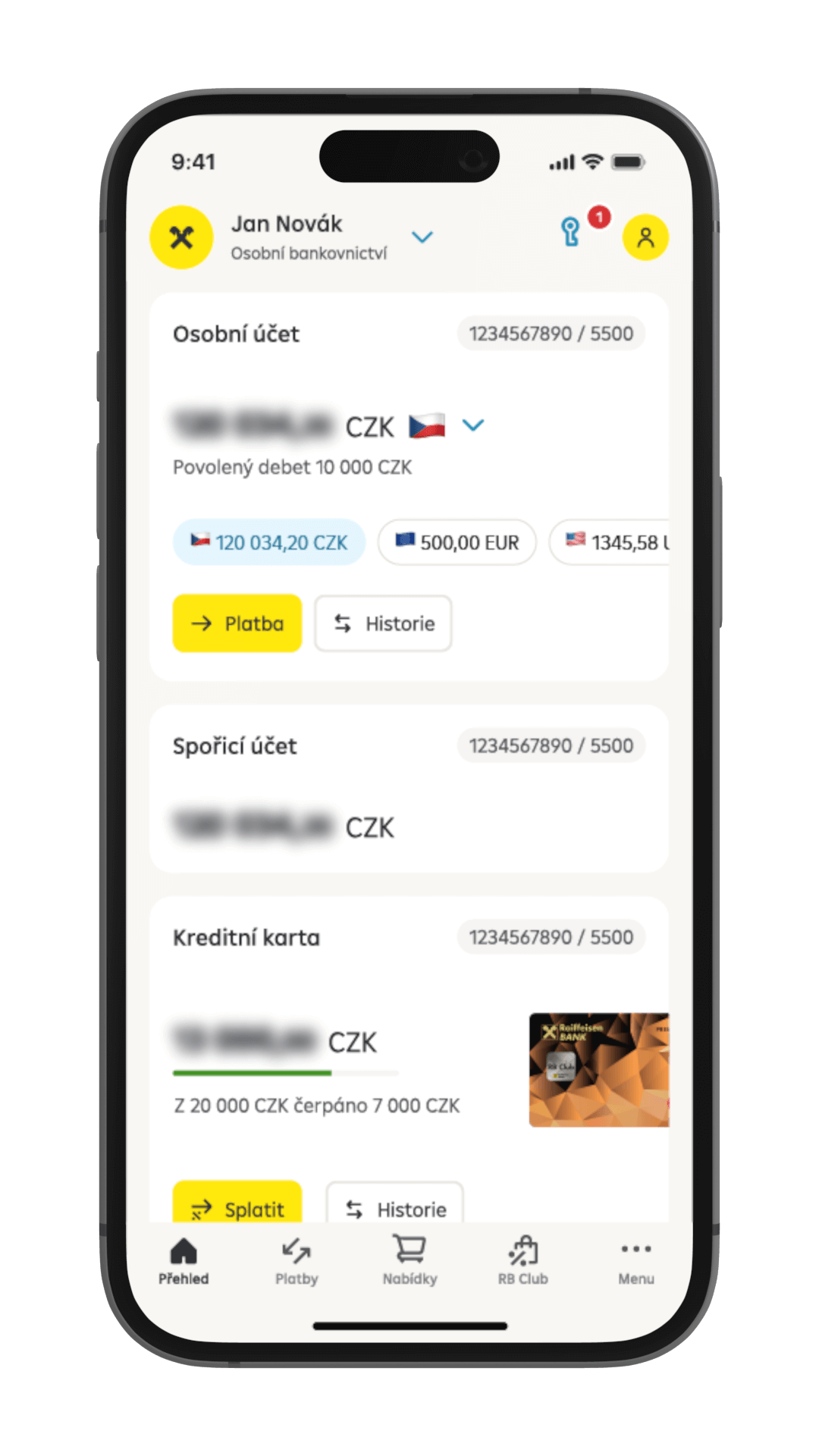
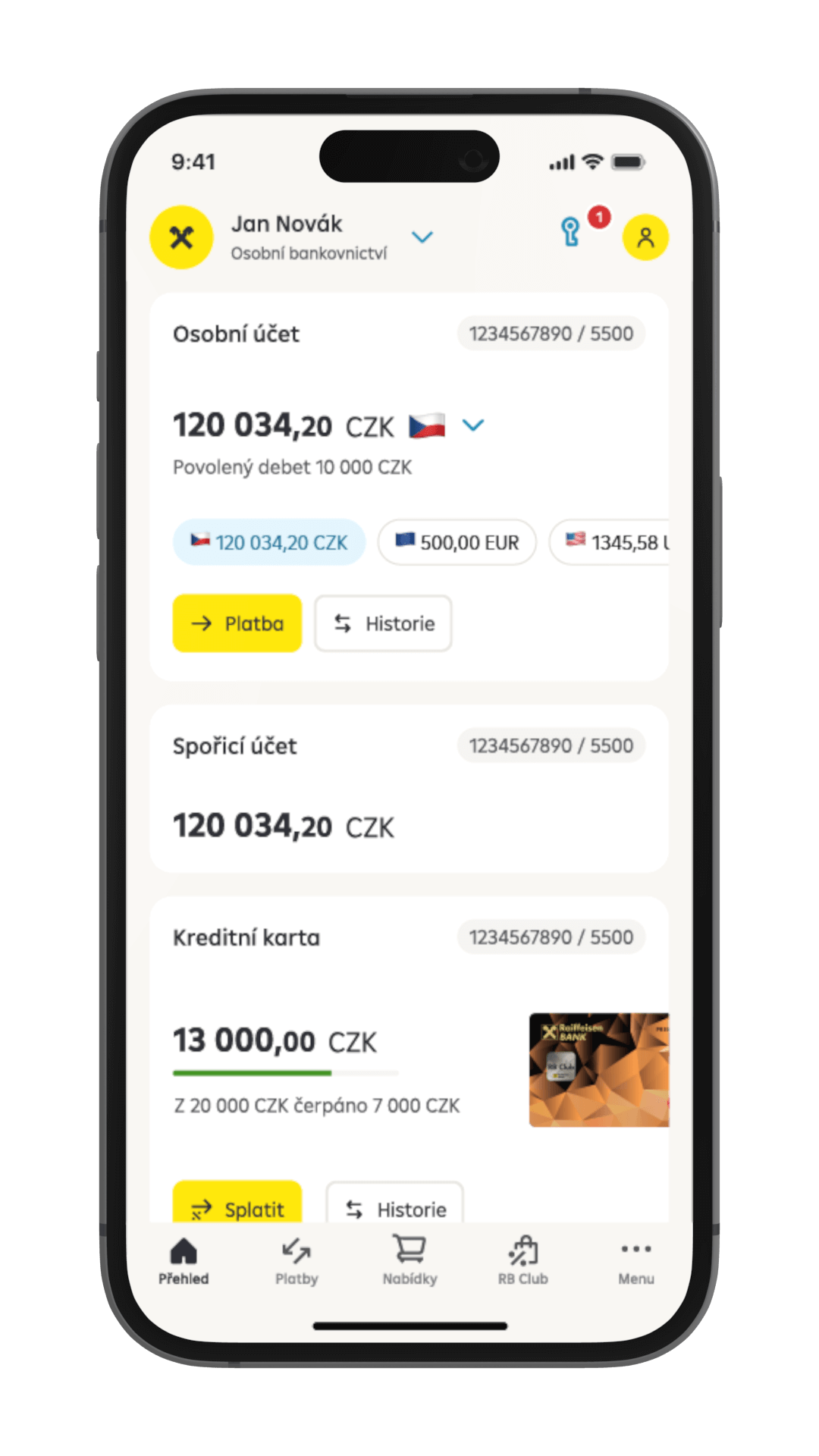
You can see an overview of all your products immediately after you sign in. You can sort the products as you wish. Also, you can hide products in the settings.
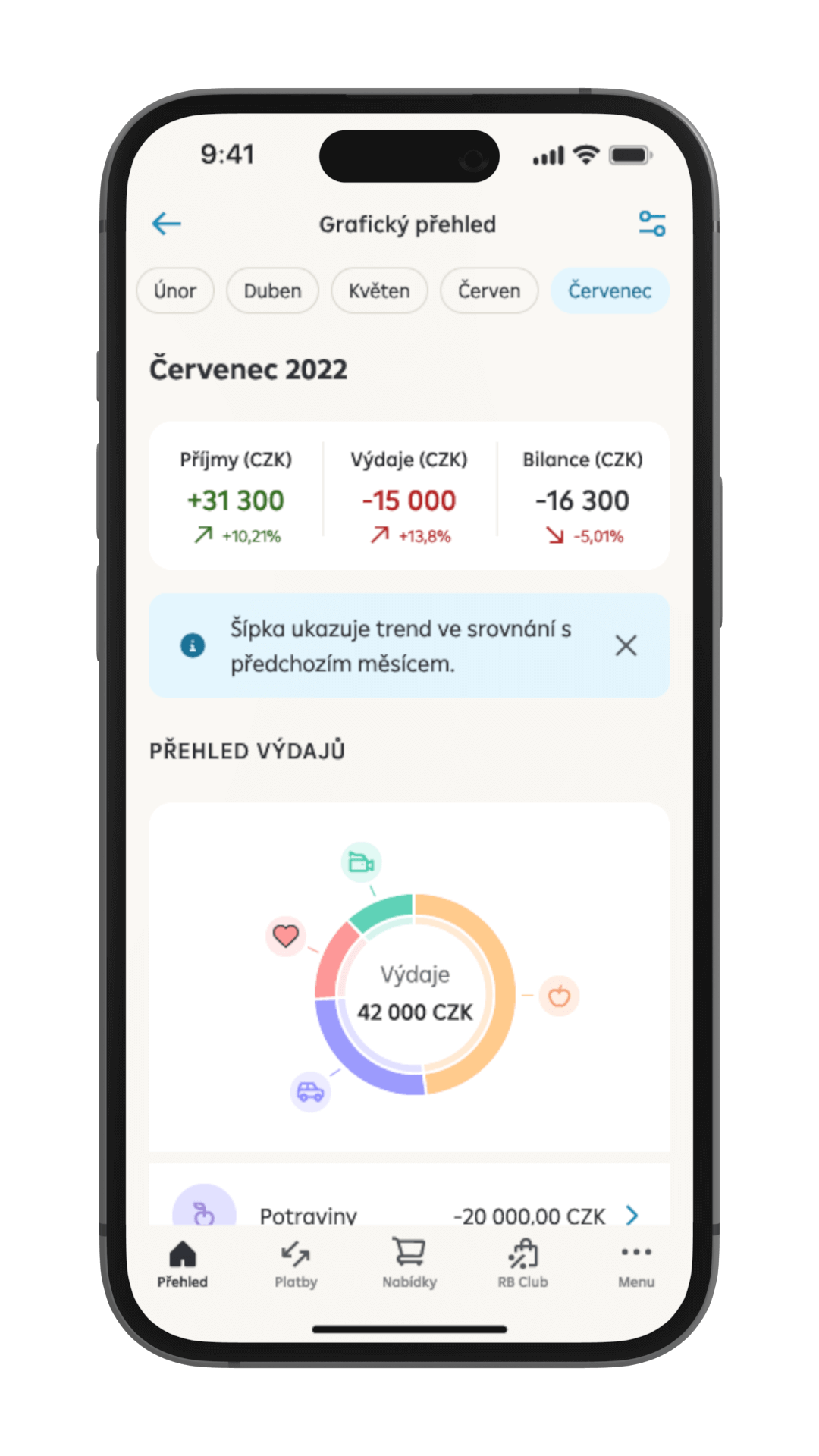
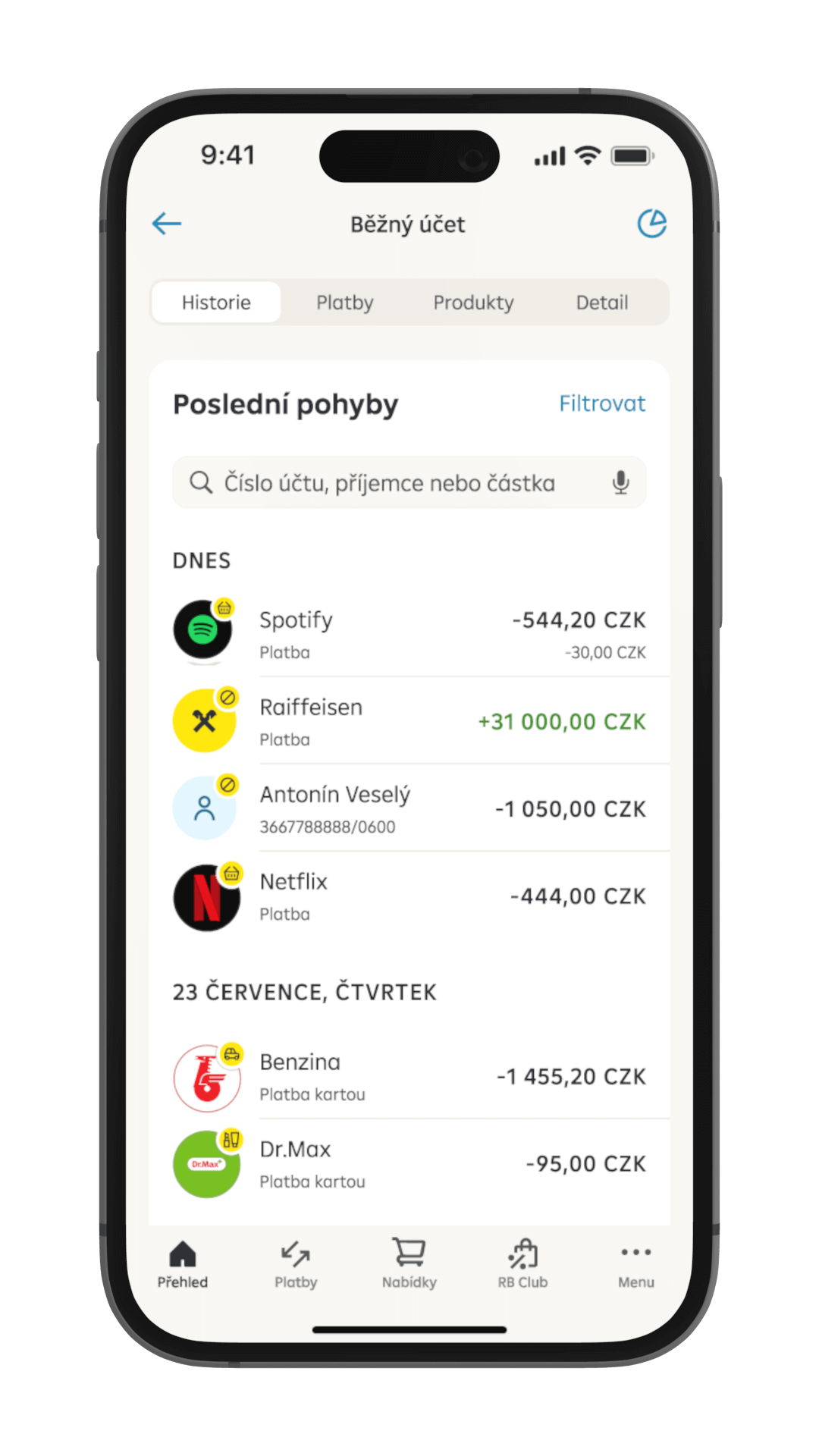
You can set a category for each payment; card transaction categories are assigned automatically. The account detail gives you a graphical overview of transactions by months.

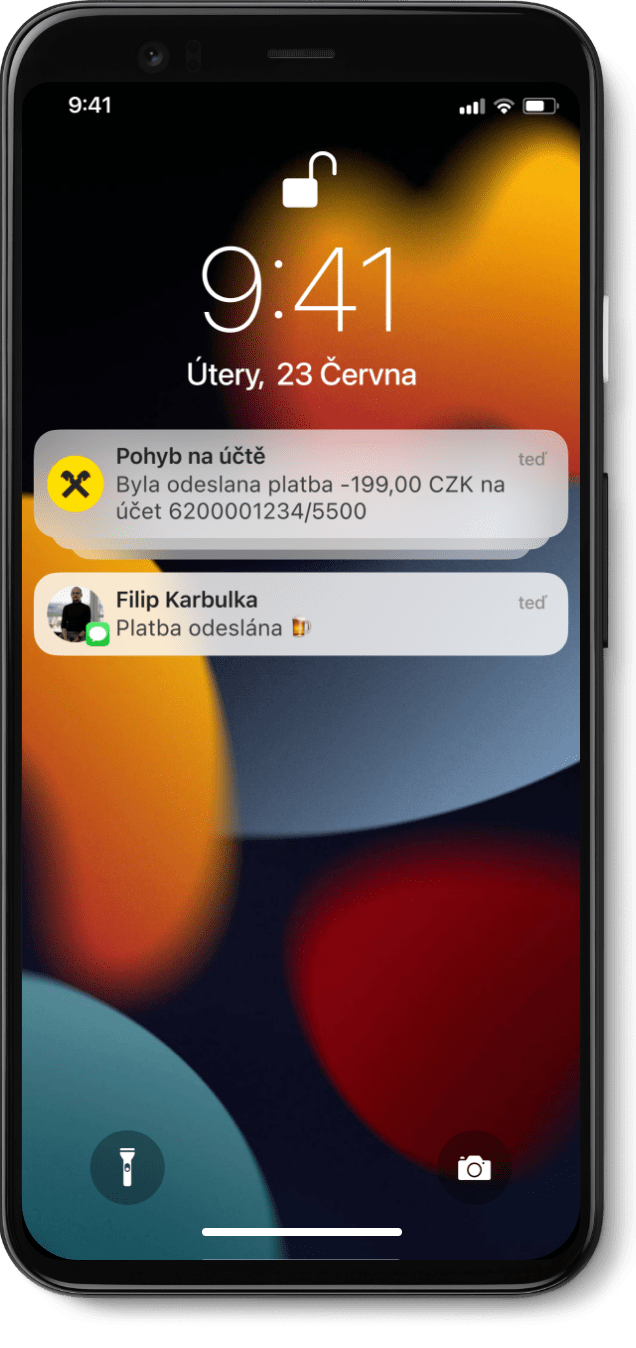
Keep track of what is happening on your account. Set up notifications in the app and we'll let you know, for example that your pay has arrived.

You can see an overview of all your products immediately after you sign in. You can sort the products as you wish. Also, you can hide products in the settings.

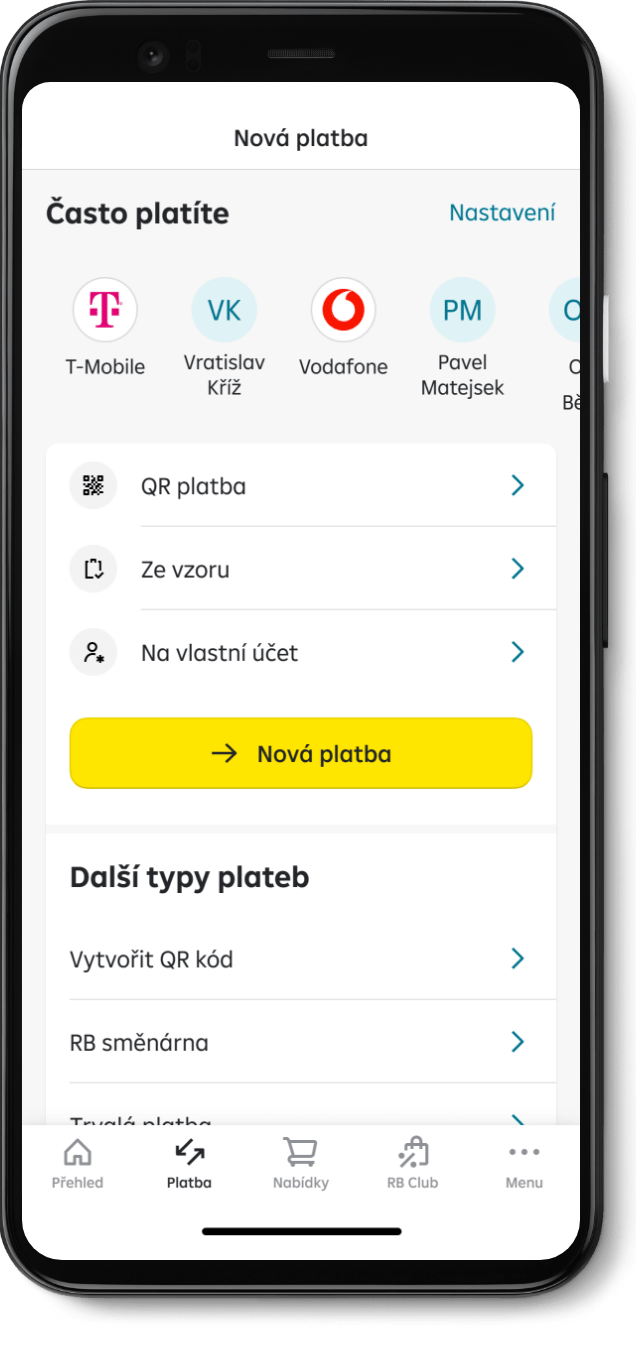
In the "Payments" section, all your payment types are in one place. It offers you different ways to place a payment easily (QR code, templates, frequent payments). You can also choose from other less frequently used types of payments such as standing orders, SEPA payments or RB směnárna.
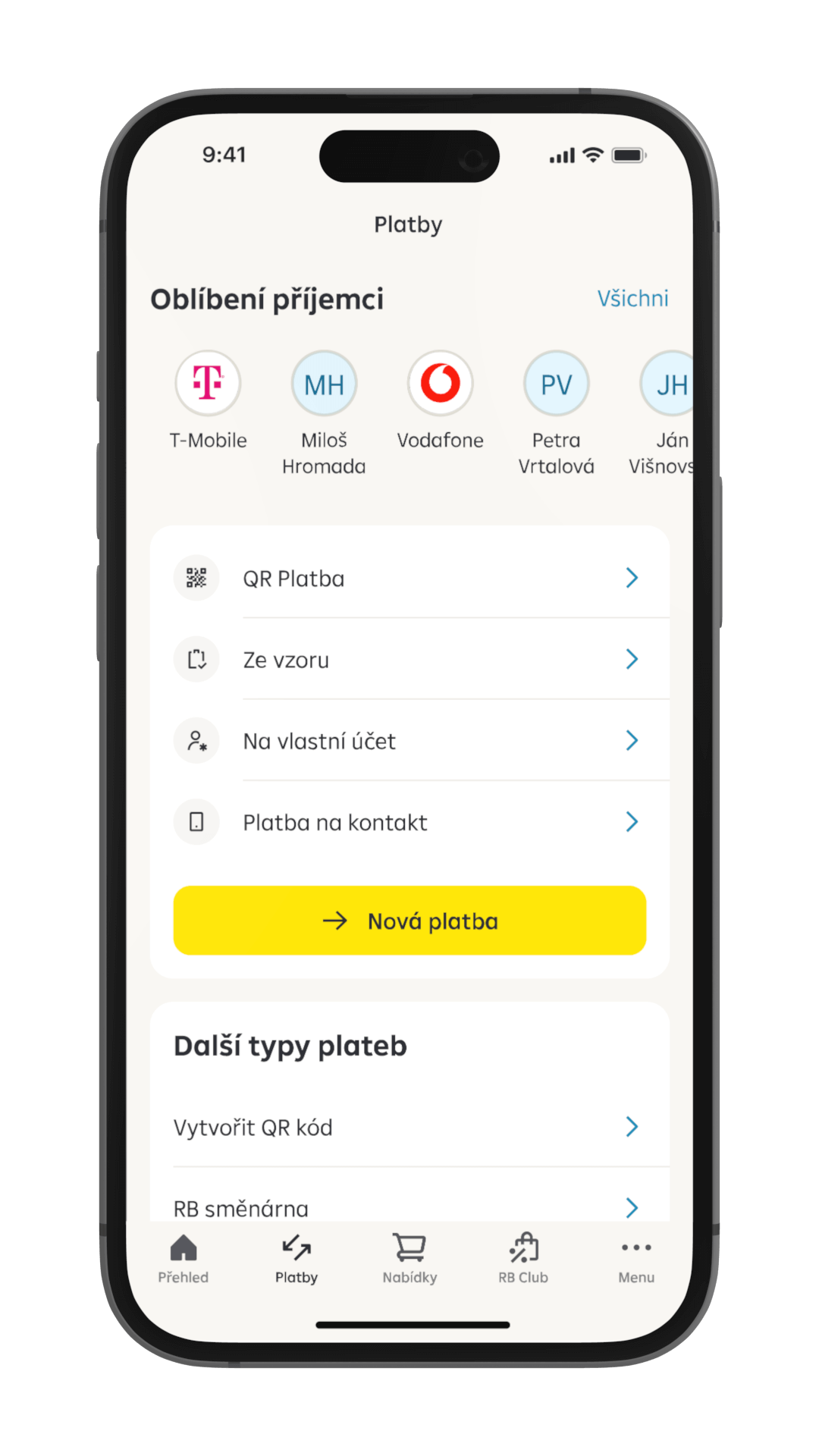
If you often send payments to a particular account, you no longer need to save a template or search for the payment in your history. Your frequent recipients can be found at the top of the Payments section; click the recipient’s icon to open a form with the account number pre-completed.

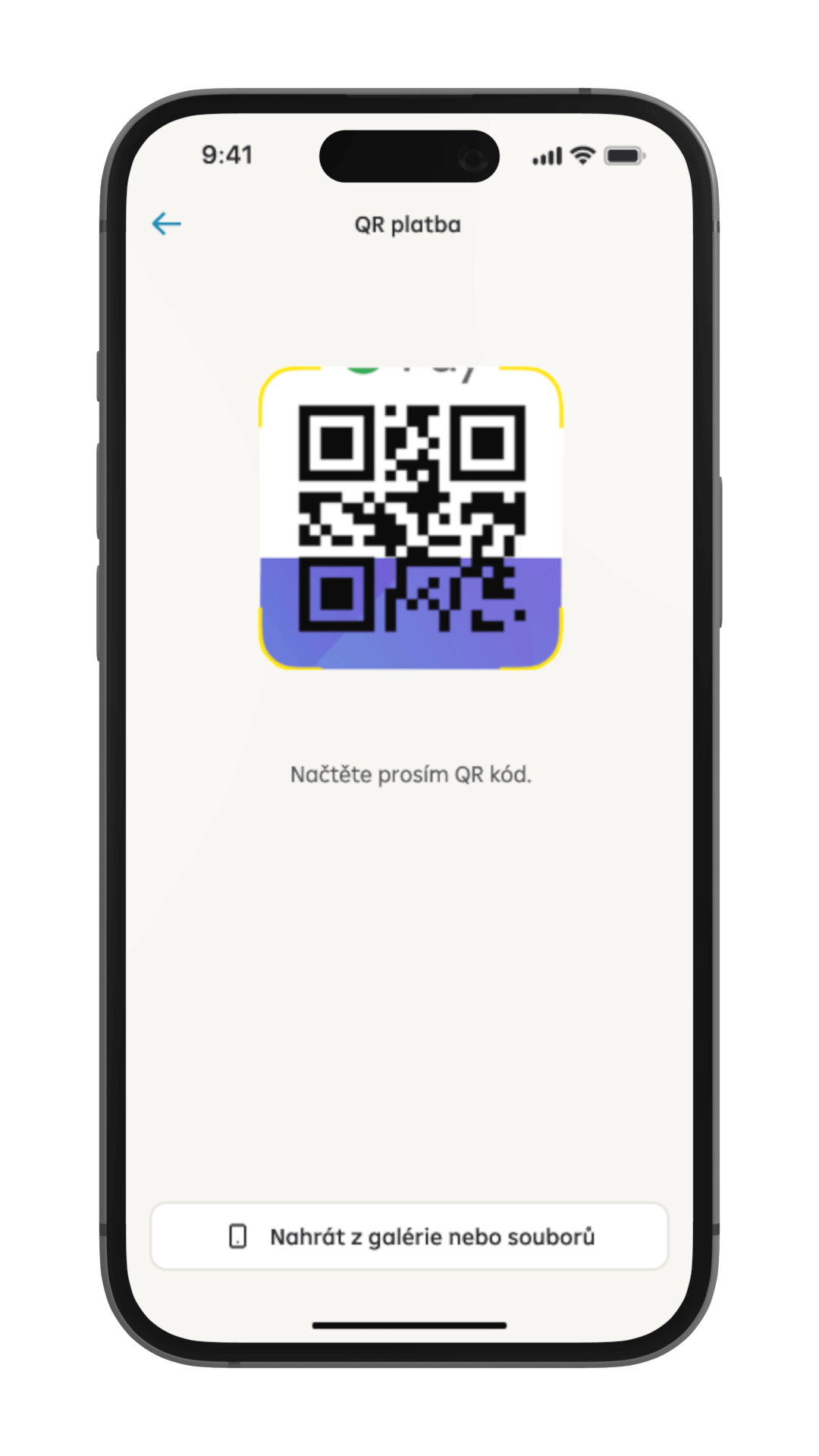
QR codes spare you from retyping and carefully checking payment data. You can scan a QR code using your camera, upload it as an image from the gallery or as a PDF bill.
Do you want to send your payment details to someone? Generate a QR code with your account number and share it easily from the app.

In the "Payments" section, all your payment types are in one place. It offers you different ways to place a payment easily (QR code, templates, frequent payments). You can also choose from other less frequently used types of payments such as standing orders, SEPA payments or RB směnárna.

You can see all debit card payments in your account's transaction history immediately, including those you have just made, while they are not accounted for yet.
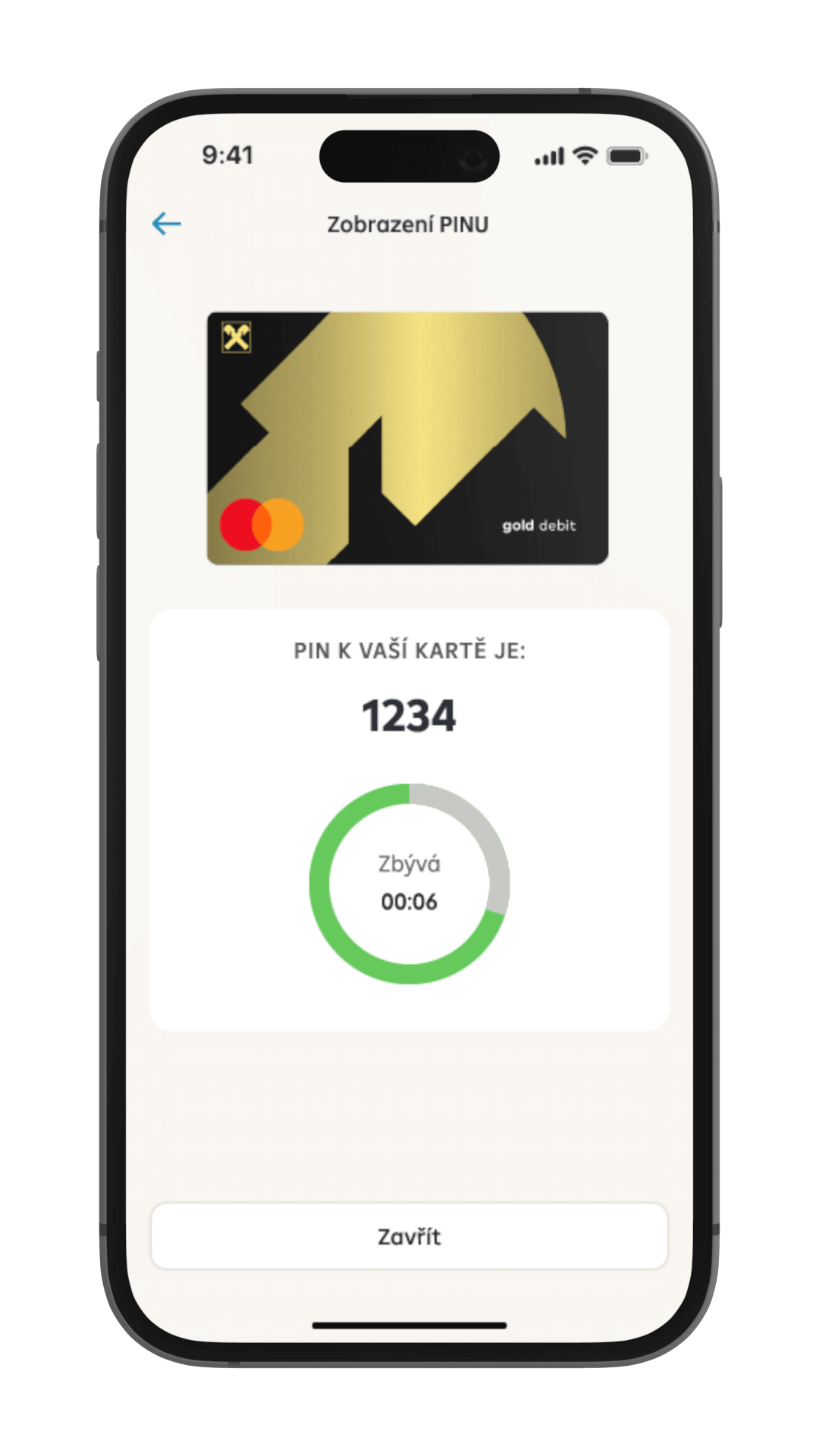
Following authentication, we'll show you your PIN for 10 seconds only due to security reasons; however, you can view it as many times as you want.

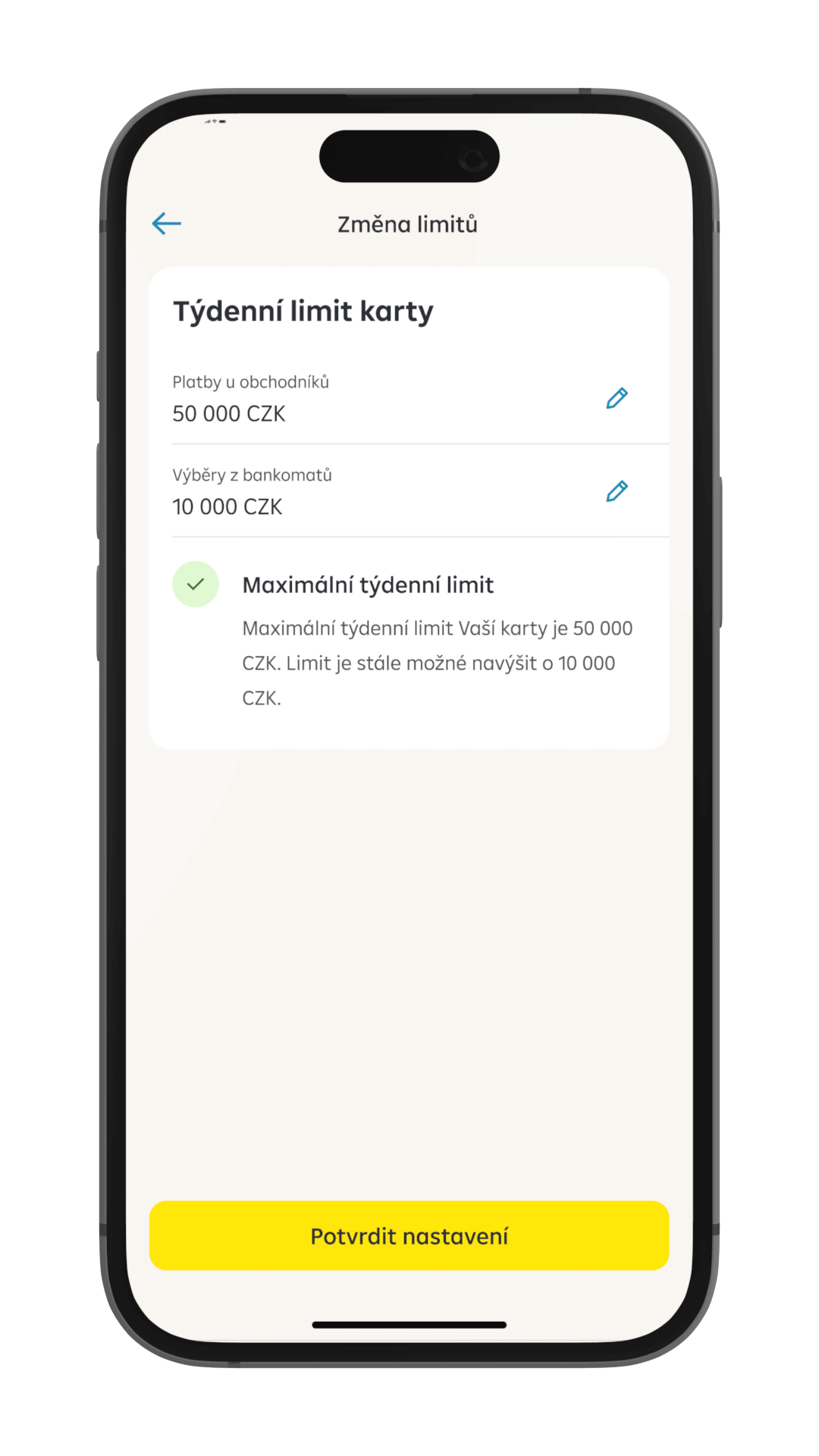
The application lets you easily manage your card settings and protect your funds. Change the limits, disable and enable online transactions, or block the card completely. You can also request a new card in the app.

You can see all debit card payments in your account's transaction history immediately, including those you have just made, while they are not accounted for yet.

Your data and documents are available under the profile tab on the home page.
Also, the section lets you start a chat or call the client line as a verified client.
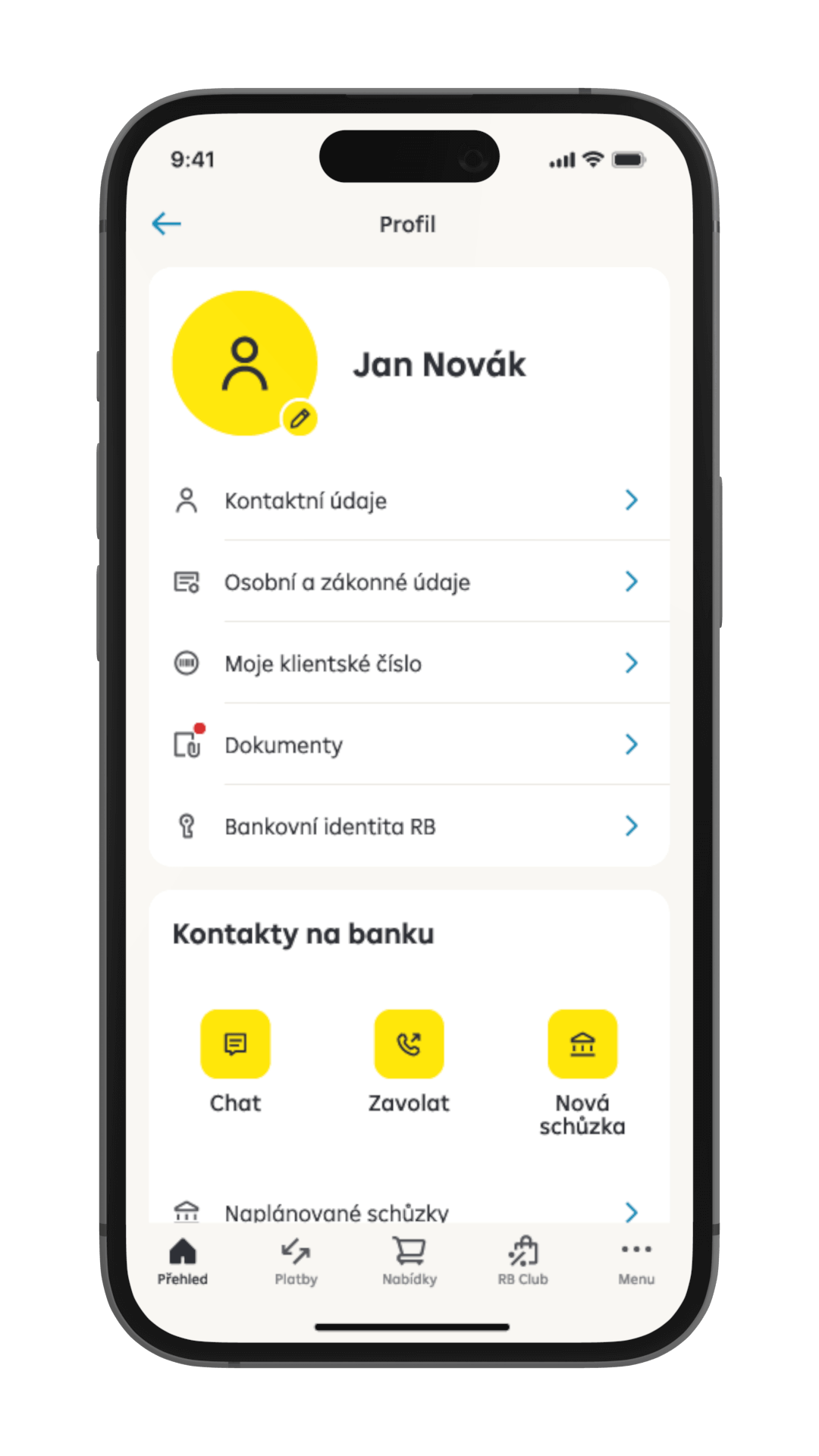
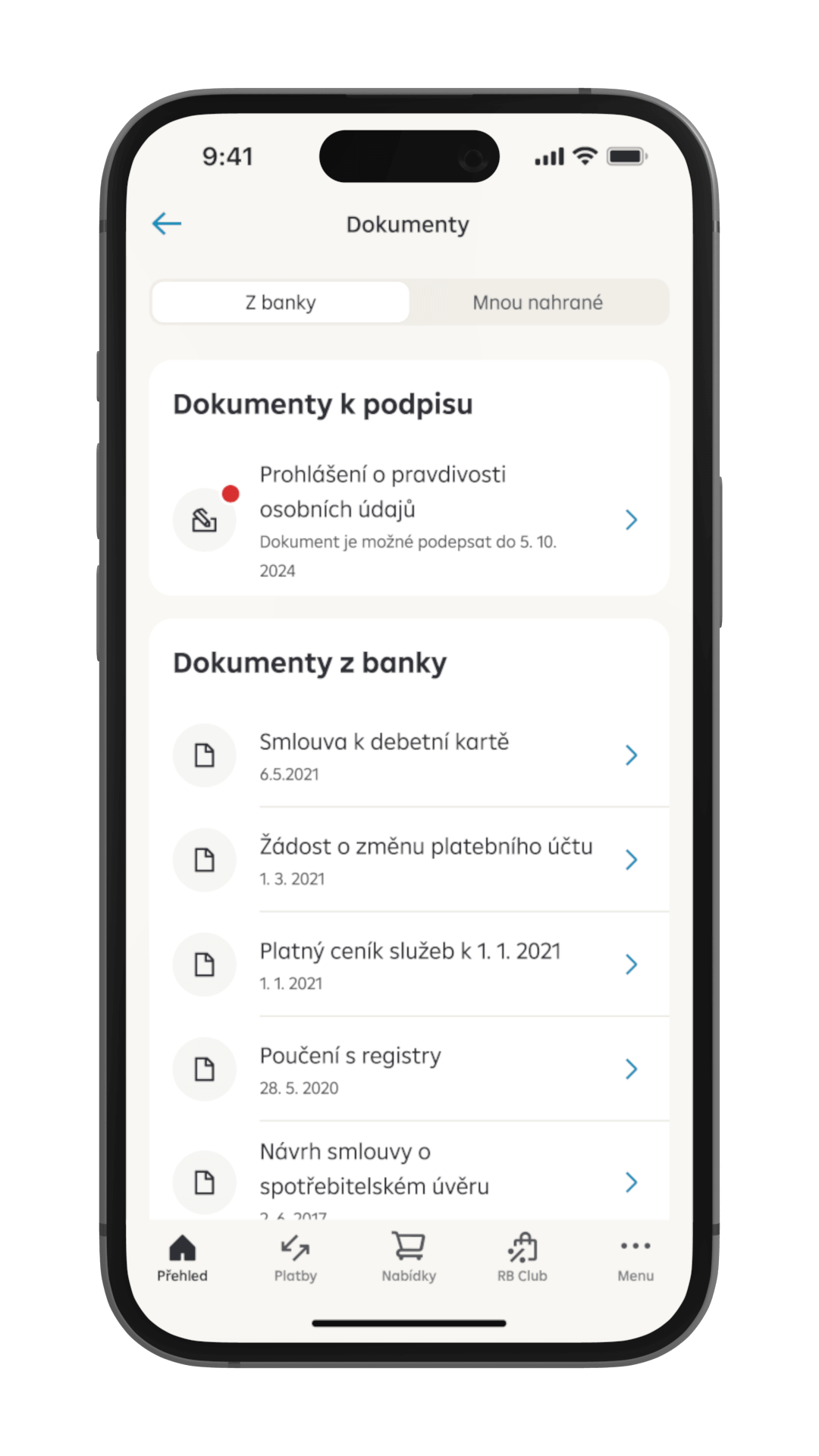
In the Documents section, you can view or download documents from the bank and display their detail.

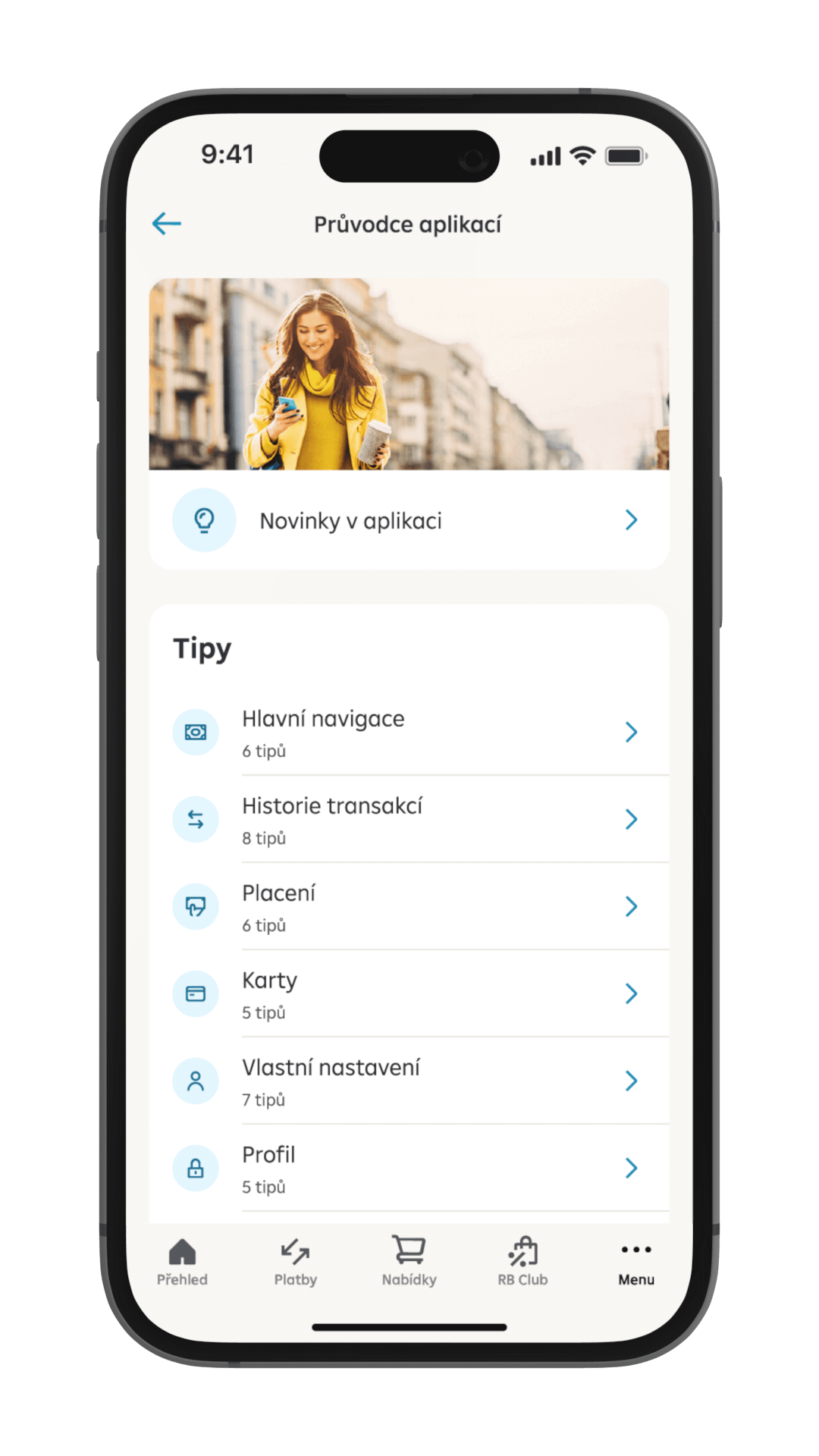
We have prepared a concise selection of tips on the application features and functionalities and advice on how to work with the application.

Your data and documents are available under the profile tab on the home page.
Also, the section lets you start a chat or call the client line as a verified client.

Certainly. Our mobile banking uses the highest level of malware security as well as detection of malicious applications on your device. New activations are confirmed by RB klíč or a SMS code. S-PIN or biometric authentication is used every time you sign in or confirm an operation.
Simply download and install the “Raiffeisen bankovnictví” application on your smartphone.
You can activate the first mobile banking app at any of our branches.
If you already have mobile banking activated on one device, you can activate it on another device using the existing app in Menu - Settings - Device management.
Raiffeisen Mobilní bankovnictví lets you handle most banking operations. The common ones, such as checking your account balance, placing payments, managing and setting up your products or taking out new products and services, are a matter of course.
Call our client line at +420 412 446 402 or stop by at any of our branch offices. Our operator or banker will cancel the activation of the lost device with you.
You have 5 attempts to enter the S-PIN correctly when signing in. With the fifth incorrect attempt, the activation on the device is canceled for security reasons. You can then activate the device again and set up a new S-PIN.
Raiffeseinbank a.s. has established for some time now a general restriction of services related to the following countries: Afghanistan, North Korea, Syria and Iran. Recently, we took an additional measure to ensure adherence to our internal policies i.e. the Geo-blocking measure for the mentioned countries.
The Geo-blocking measure intends to mitigate the risk of unintentionally servicing clients while in respective countries. Therefore, you will no longer be able to access our services/applications while being in one of these four countries from now on.